
In-App Social Design Studio
Crop, filter, add text overlays, and style your image assets directly within PostNexa before publishing.
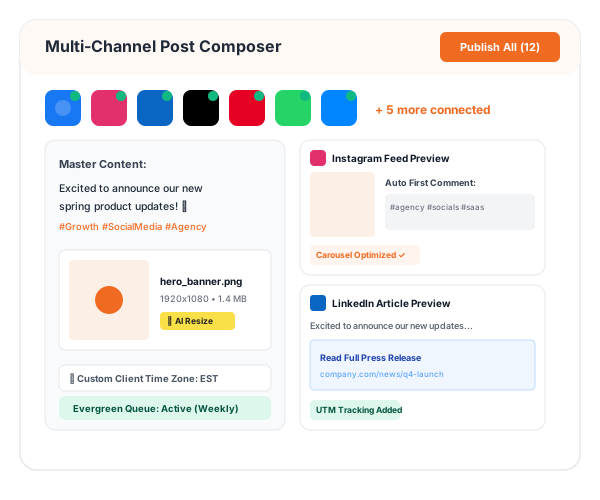
Engineered for Precision, Scale & Speed
Explore the core architectural capabilities powering this feature in PostNexa.

Smart Aspect Ratio Crop
One-click cropping tailored for Facebook, Instagram, YouTube, and TikTok specs.

Overlays & Badges
Add promotional banners, discount stickers, and brand watermarks effortlessly.

Canva Cloud Bridge
Import designs directly from your connected Canva workspace.
Polish Images Without Heavy Desktop Editors
Make fast brightness adjustments, add brand watermarks, and crop images to exact platform dimensions in seconds.
 Pre-loaded aspect ratio guides
- Custom brand logo watermark placement
- Non-destructive editing preserves original assets
Seamless Asset Library Pipeline
Store approved logos, brand templates, and team assets in unified workspace folders for fast retrieval.
- Shared team media tags
- Direct Canva import integration
- Drag-and-drop file organization
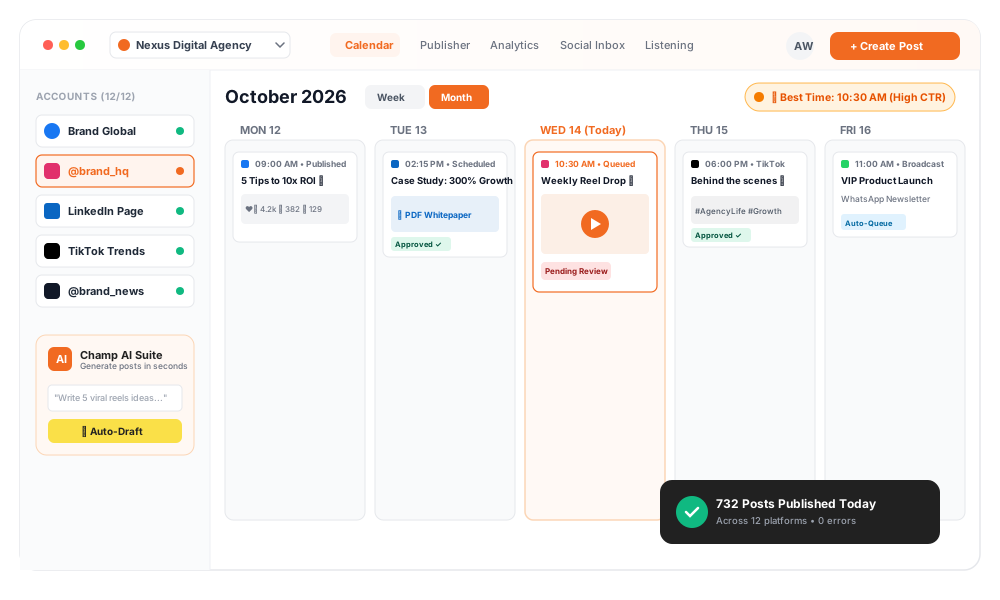
Get Started in 3 Simple Steps
From account connection to scheduled publishing, master your social distribution in minutes.
Select Asset
Choose an image from your device or workspace media library.
Crop & Style
Apply aspect ratio presets, add text overlays, or position your logo.
Save & Publish
Save the edited graphic directly to your post composer.
Related Capabilities
Explore complementary features designed to supercharge your social workflows.
Ai Image Generator
Explore how this capability integrates seamlessly with In-App Social Design Studio for maximum publishing speed.
Social Publishing
Explore how this capability integrates seamlessly with In-App Social Design Studio for maximum publishing speed.
Content Calendar
Explore how this capability integrates seamlessly with In-App Social Design Studio for maximum publishing speed.
Frequently Asked Questions
Yes. Our Canva bridge allows you to import designs from your Canva account directly into PostNexa.